
Buying a PC Controller: Compatibility Before Extra Buttons
Check your games, computer connections and play space before choosing a controller for PC gaming.
Our advice is based on published information and practical buying considerations, not hands-on testing. Product links in this article are direct manufacturer links. If a link earns us a commission, we label it. Read our affiliate disclosure.
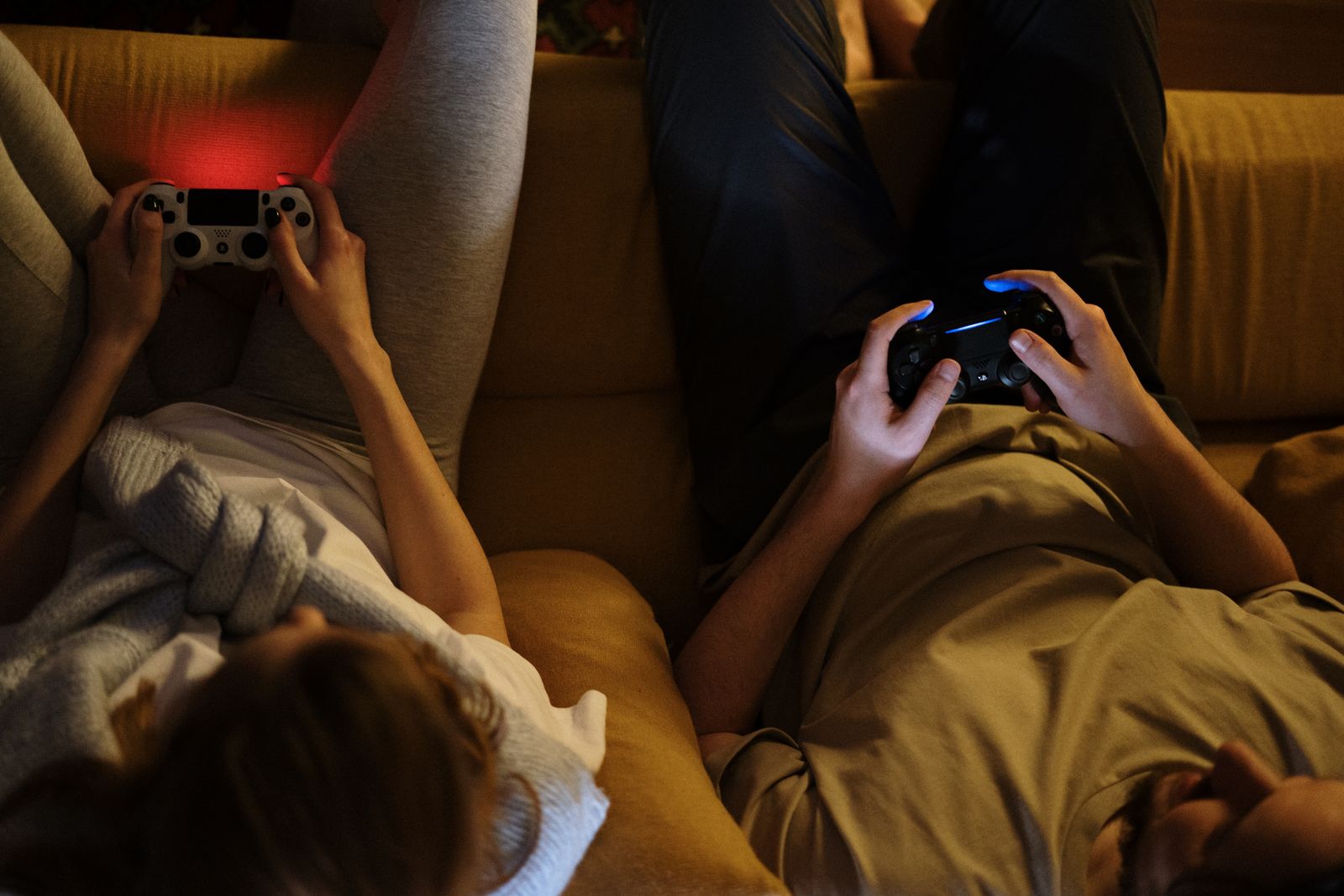
You install a game for a relaxed evening on the sofa, connect a controller and discover that the menus respond while one important function does not. The hardware may be fine; the game, connection or configuration can still be the missing piece. PC controller shopping starts with what you want to play.
The practical verdict
List your main games and check their controller support before choosing hardware. The Xbox Wireless Controller is a concrete option to investigate for compatible PC use, but verify your operating system, connection method and required features. A familiar shape does not guarantee that every game or accessory behaves identically across platforms.
Match the controller to the session
| Gaming pattern | Useful priority | Tradeoff |
|---|---|---|
| Casual games at a desk | Simple reliable connection | A cable occupies desk space |
| Sofa play on a connected PC | Practical wireless setup | Batteries and signal conditions matter |
| Precision or competitive play | Comfortable controls and consistent behavior | Extra features may not suit every game |
| Older or unusual PC games | Documented input support | Configuration or other controls may be required |
Look at the games you already own rather than only the ones shown in controller advertisements. Some games work naturally with a controller, some need configuration and others remain better suited to a keyboard and mouse. Keep those categories separate when deciding how much to spend.
Connection methods change the experience
Check which connection methods the exact controller supports with your computer. A USB connector, Bluetooth support or a proprietary wireless option can have different requirements. Confirm whether a cable or adapter is included rather than assuming the product photo shows everything in the box.
A wired connection can be a sensible choice at a desk: it simplifies battery concerns and makes the route between controller and computer obvious. Wireless can suit a sofa arrangement, but the computer's hardware, distance and nearby interference matter. Do not treat wireless convenience as proof of identical behavior in every room.
Features need game support
Vibration, audio connections, button prompts and advanced functions can depend on the game, software and connection. Check the features you specifically care about instead of assuming that a controller's console behavior transfers unchanged to a PC.
If you plan to use a headset through the controller, verify that exact workflow. It may be simpler to connect audio directly to the computer or another supported device. Likewise, extra paddles or remappable buttons are useful only when you have a clear purpose and a supported way to configure them.
Comfort matters across a full session
The shape, stick placement and trigger reach should suit your hands. A design that is familiar to a friend may feel awkward to you. If possible, try the controller with the kind of game you play rather than judging it only while holding it still.
Consider how you store it between sessions. A charging arrangement, spare batteries or a cable needs a place that is easy to reach. A controller that is consistently ready is more useful than one with impressive specifications but a charging routine you forget.
Set up one layer at a time
Start with the manufacturer's connection and update instructions. Then test in a game with known controller support. If a launcher offers its own input mapping, understand how that interacts with the game's settings before adding more remapping tools. Multiple layers of configuration can make a simple issue harder to diagnose.
The Xbox Wireless Controller provides a real product reference for checking supported devices and current requirements. This guide does not claim measured latency, superior competitive performance or universal compatibility. Use the documentation for the exact version you plan to buy.
Who should skip an expensive controller?
If most of your games are strategy titles or desktop applications designed around a pointer, a controller may see little use. If you mainly want occasional couch play, a well-supported standard model may be enough. Spend on specialist features only when they solve a repeated limitation in your own games.
Before purchasing
- List the games and verify controller support.
- Check the operating system and connection requirements.
- Confirm included cables or required adapters.
- Verify audio and advanced functions separately.
- Try the grip and reach where possible.
- Plan charging, batteries and storage.
Frequently asked questions
Will every PC game recognize a controller?
No. Support varies, and some games need configuration or are better suited to other controls.
Is a wireless controller always better?
No. Wireless adds freedom of movement, while wired use can simplify a stationary setup.
Can I use console accessories on PC?
Sometimes, but check the exact accessory and connection. Compatibility with the controller on a console does not automatically establish PC support.
Explore the options
Use the manufacturer’s current specifications to confirm the exact version, compatibility and return terms before buying. Prices and availability can change.
Xbox Wireless Controller
Why consider it: A specific controller to investigate for supported PC gaming workflows.
The tradeoff: Game support, connection method and optional functions still need individual checks.
Explore at the manufacturer ↗Sources & further reading
Source information checked September 30, 2026. Product revisions and regional availability may differ.
See something that needs correcting? Contact our editorial inbox.
Keep exploring
View all
Choosing a TV for a Bright Living Room
Work around windows, reflections, and daytime viewing before spending more on a new television.

OLED vs. Mini-LED for Evening Movies
Choose a movie-night television around room lighting, subtitles, seating, and the content you actually watch.

Projector or TV for an Apartment? Start With the Room
A realistic guide to screens, throw distance, daylight, cables, and rental-friendly movie nights.