
Give an Older TV a Better Streaming Setup
A streaming player can refresh an aging television when the panel still works and the connections fit.
Our advice is based on published information and practical buying considerations, not hands-on testing. Product links in this article are direct manufacturer links. If a link earns us a commission, we label it. Read our affiliate disclosure.
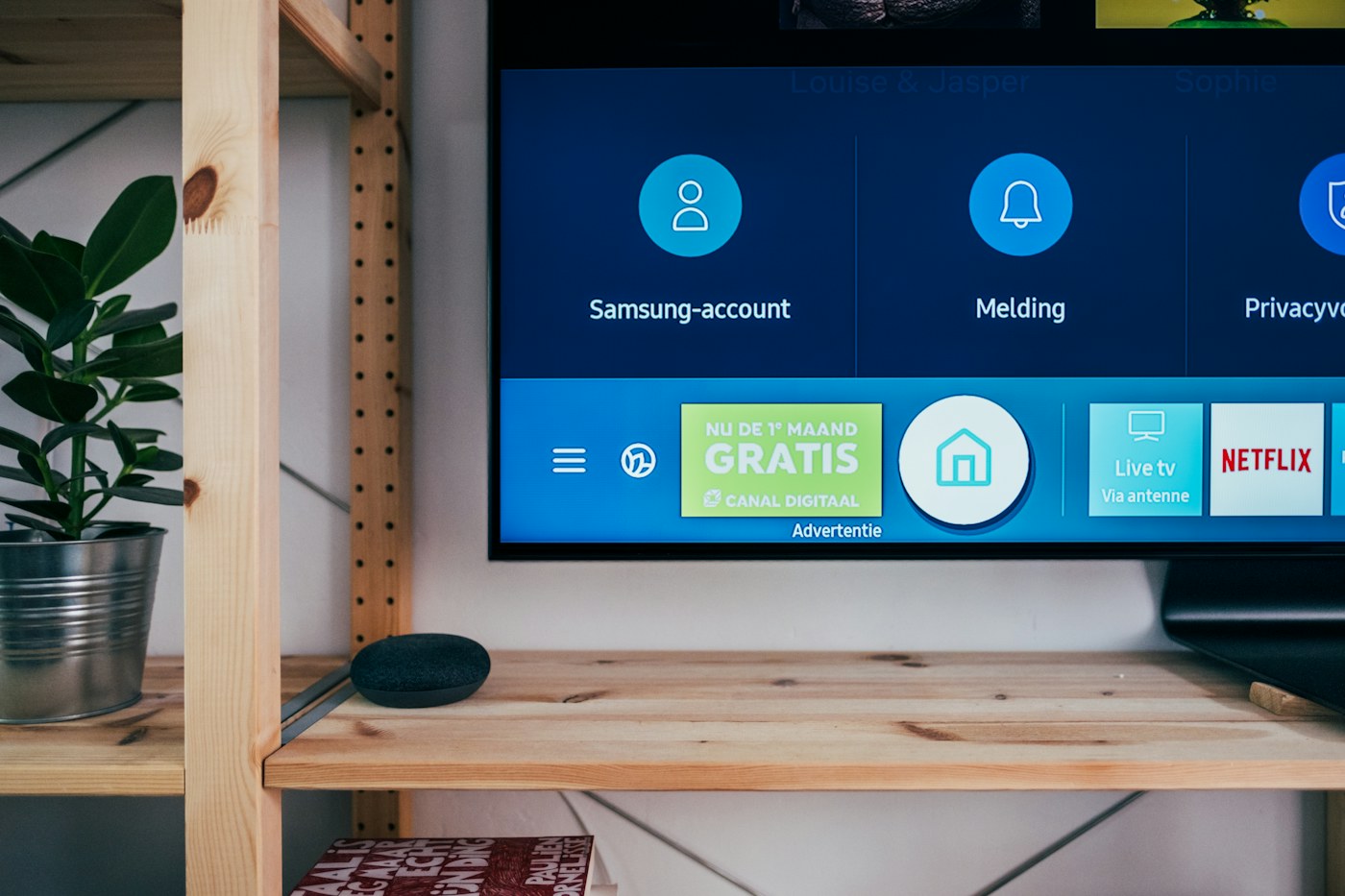
The television picture still looks fine, but its apps take forever to open and a favorite service has disappeared. Replacing the whole screen may be unnecessary. A separate streaming device can move everyday navigation and app support away from the television's aging software. The important question is whether the new device fits your connections, services, and household habits.
The short recommendation
Keep a television you still enjoy and consider a supported HDMI streaming player. Before buying, confirm an available HDMI port, the required power arrangement, your country's app availability, and the television's resolution. Choose the simplest device that meets those needs. A new player cannot turn an older display into a higher-resolution panel, repair damaged pixels, or guarantee better internet service.
| Your existing setup | Sensible next step | Check first |
|---|---|---|
| HD TV with slow apps | Current HD-compatible player | HDMI input and power |
| 4K TV with outdated software | Suitable 4K player | Formats and subscription tier |
| TV with no HDMI | Evaluate alternatives carefully | Adapter complexity and total cost |
| Weak Wi-Fi behind the screen | Improve placement or networking | Whether the new device supports your solution |
A straightforward product to research
Roku's official Streaming Stick page describes an HD streaming device that plugs into a television and includes a voice remote with television controls. This makes it a concrete shortlist option for an older HD set. Check the current product listing and regional service availability before ordering. Roku sells several similarly named players, so verify the exact model rather than assuming every Streaming Stick has the same resolution or features.
Its page also describes power from the television. Follow the supplied setup instructions and confirm your own television's ports are suitable. If a TV cuts power to a USB socket when it switches off, startup behavior may differ from a device connected to continuous power. Do not improvise an unsupported power arrangement to avoid one visible cable.
Inventory the services you actually watch
Write down the streaming services, catch-up apps, and live television options your household uses. Confirm each one on the platform in your country, including any paid subscription required. A platform's free-content catalog does not mean every program or service becomes free. Also check whether existing subscriptions are billed directly or through another platform before creating new accounts.
If an older relative will use the television, consider navigation and remote simplicity. A familiar home screen and clear buttons may matter more than a powerful processor. Keep a short written setup note with the selected input and basic controls. Avoid leaving several redundant remotes scattered around without explaining their roles.
The network can be the real bottleneck
A device tucked behind a television may receive a different Wi-Fi signal from a phone held in front of the sofa. If streams pause, test ordinary playback at the actual installation location. Moving the router, improving coverage, or using a supported wired-network arrangement may help more than upgrading to a more expensive streamer.
Check the entire connection chain if a soundbar or receiver is involved. Some problems arise from an older intermediate device rather than the television or player. Begin with the manufacturer's recommended direct setup, then add audio equipment according to its documentation. Keep volume modest while testing different audio routes.
When replacement makes more sense
A player is less compelling if the screen has major faults, lacks suitable inputs, or requires several adapters to work. Add up the real cost, including cables and any power accessories. If the household already struggles with too many devices, a newer integrated television may be a more comfortable solution despite the higher initial cost.
Do not buy solely for a resolution your screen cannot display. You might choose a higher-tier player for future use or another verified feature, but make that a deliberate decision. A simple HD television can still be useful in a bedroom or kitchen with the right streaming arrangement.
Before checkout
- Identify the television model and available HDMI input.
- Confirm the player's exact resolution and power requirements.
- Check every essential app in your region.
- Review existing subscriptions to avoid duplicate billing.
- Assess Wi-Fi where the player will physically sit.
- Confirm return terms and accessibility needs.
Common questions
Will a streaming stick improve the panel itself?
No. It changes the source and interface. The television's physical resolution, contrast, and condition remain the same.
Are subscriptions included?
Do not assume so. Individual services may require separate accounts and payments even when their apps are available.
Do I need a 4K player for an HD television?
Not for additional displayed detail. Choose it only if another supported feature or a realistic future upgrade justifies the difference.
Explore the options
Use the manufacturer’s current specifications to confirm the exact version, compatibility and return terms before buying. Prices and availability can change.
Roku Streaming Stick
Why consider it: A published HD streaming option for an older television with suitable connections.
The tradeoff: Check regional apps, the exact model, and television power compatibility.
Explore at the manufacturer ↗Sources & further reading
Source information checked September 30, 2026. Product revisions and regional availability may differ.
See something that needs correcting? Contact our editorial inbox.
Keep exploring
View all
Choosing a TV for a Bright Living Room
Work around windows, reflections, and daytime viewing before spending more on a new television.
OLED vs. Mini-LED for Evening Movies
Choose a movie-night television around room lighting, subtitles, seating, and the content you actually watch.

Projector or TV for an Apartment? Start With the Room
A realistic guide to screens, throw distance, daylight, cables, and rental-friendly movie nights.